
Create Product Photos and Social Graphics
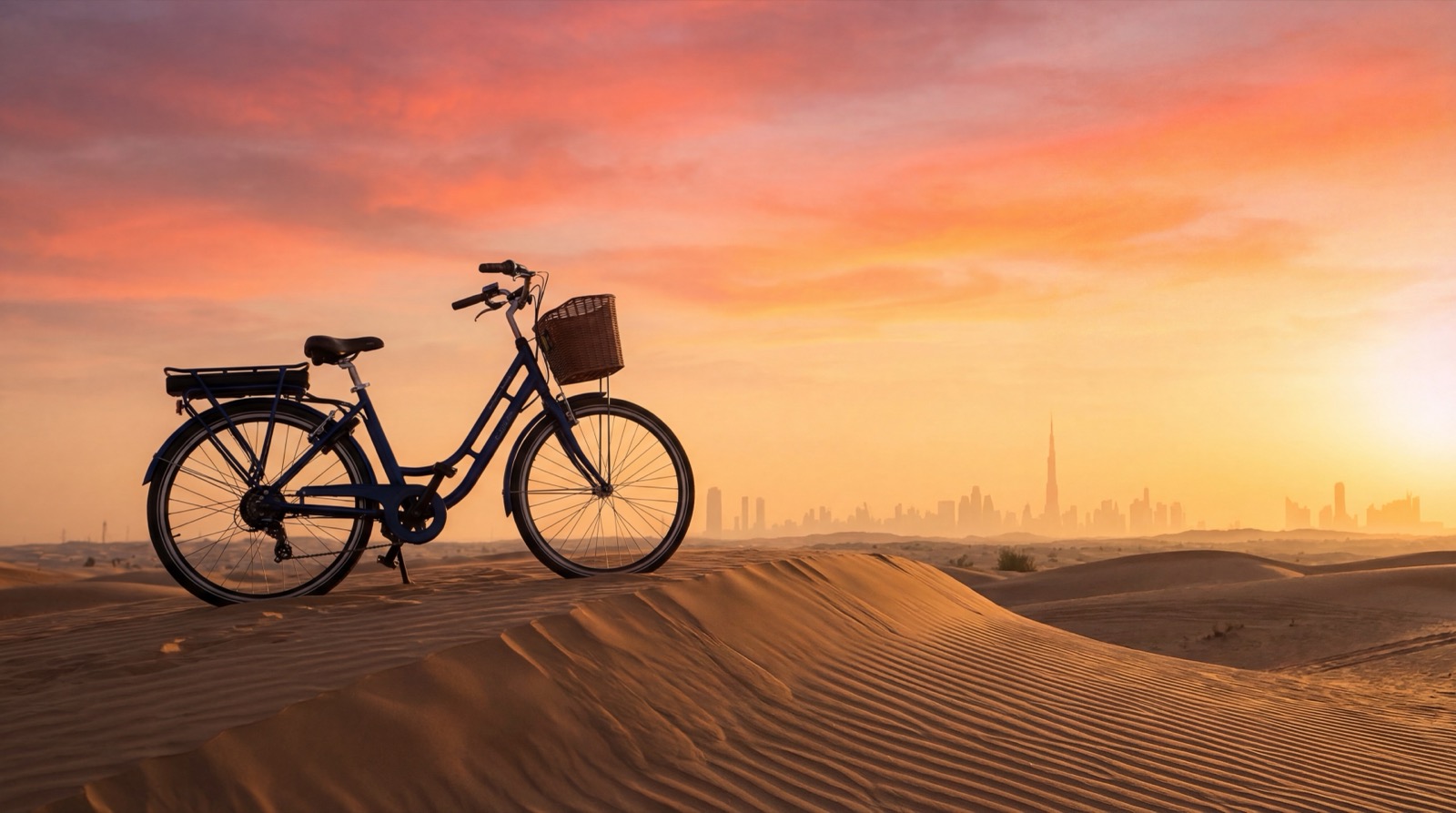
A professional product photo shoot costs AED 2,000 to AED 8,000. Gemini image generation is free. For Instagram, stories, blog illustrations, and content variety, AI images are genuinely good, and getting better every month.
This page explains when AI images work, how to get Adam Bike-specific results (not generic stock photo bikes), and how to build a reusable image system so you are not starting from scratch every time.
When AI images work, and when to use real photos
AI images are great for:
- Lifestyle scenes and settings (a beach, a park, a Dubai street)
- Seasonal mood content (October cycling season is back, summer break)
- Instagram stories and temporary content
- Blog post hero images
- Content variety between real photo shoots
- Showing a bike in a location you have not shot yet
Always use real photos for:
- Your Shopify product listing images. Customers want to see the exact bike.
- Any image where specific product details matter (exact color, components, label)
- Profile photos and permanent brand identity
Use AI to add variety and volume. Use real photos as your foundation.
Two tracks for Adam Bike images
Nano Banana 2 (Google’s image model, available in Gemini) is excellent. But it has one limitation: it does not know what an Adam Bike looks like. It has never seen your specific bikes. If you type “Adam Bike Dutch city bike,” it generates a generic Dutch bike. It might be beautiful, but it is not yours.
This means there are two different approaches depending on what you want:
Track A: Lifestyle and atmosphere images
No specific Adam Bike needed. A Dutch-style city bike, a Dubai beach, a family cycling scene. These images work well for mood, inspiration, and general content.
Gemini handles this perfectly with a text prompt alone.
Track B: Specific Adam Bike in a new setting
You want your exact olive green Dutch Style 28” in front of the Dubai Frame. You want your cargo bike at Kite Beach. For this, you need to upload a reference photo of your actual bike and ask Gemini to place it in the new setting.
The reference photo is the key. Upload your best product photo, describe the scene you want, and Gemini composites the result.
Track A: Lifestyle images in Gemini
Go to gemini.google.com, make sure you are using the Thinking model for best quality.
Gemini remembers the conversation, so refine without rewriting everything:
Track B: Your specific Adam Bike in a new setting
Upload a clear product photo of the bike you want to place in a new scene. Then describe what you want.
The cleaner and higher-resolution your reference photo, the better the result. Your Shopify product photos work well as starting points.
Build your brand image style guide
Spend 30 minutes creating a style guide document and saving it in your Adam Bike HQ project. Every image prompt you write afterward references this guide. You stop rewriting the same descriptions.
Your style guide should define:
- Locations you like: Kite Beach, JBR, Palm Jumeirah, Al Quoz street art, The Springs suburbs, Dubai Marina
- Lighting: Golden hour and early morning. Warm and approachable.
- People: Expat families. European look. Casual clothes, not cycling gear.
- Aesthetic: Lifestyle photography. Natural, not staged. Warm, not clinical.
- Exclusions: No helmets in lifestyle shots (unless the caption is about safety), no visible logos other than Adam Bike, no text in the image itself
Once this is in your project, you write “generate a Kite Beach lifestyle shot per my brand style guide” and Claude knows exactly what you mean.
Social graphics with text overlays
For Instagram posts or stories that need text, the best workflow is:
- Generate a background image in Gemini (Dutch bike, Dubai setting, no text in image)
- Download the image
- Open Canva (free tier works), create a new Instagram post or story
- Upload the Gemini image as background
- Add your logo, text, price, or CTA in Canva
- Export and post
Gemini is not good at placing text inside images reliably. Do the text work in Canva after generating the background.
Save your best prompts
After a few weeks, you will know which prompt patterns consistently produce good results. Save them in an image-prompts.md file in your Cowork folder. Organize by scene type: Kite Beach lifestyle, family cycling, flat lay accessories, seasonal mood.
When you need a new image: open the file, swap in one or two details (the bike model, the location, the season), run it. Two minutes, not fifteen.
Your reusable prompt template: